
The BaByliss GoldFX trimmer (FX787 family) is built for one thing: crisp outlines. If you want a sharper hairline, cleaner beard borders, and a neckline that looks freshly detailed—this guide shows you exactly how to pick the right GoldFX model and blade, set it up safely, and keep it cutting clean for the long run.
-
Choose the right GoldFX version (classic FX787 vs GoldFX+ vs FXONE workflow) based on how you actually use a trimmer.
-
Standard-tooth vs deep-tooth blades: how to get sharper lines without extra irritation or “bite.”
-
Barber-style lineup method that helps you avoid the #1 DIY mistake: pushing your corners back.
Disclaimer: This is an independent guide. Product names and model codes belong to their respective owners. Always handle sharp tools carefully and avoid outlining on irritated skin.
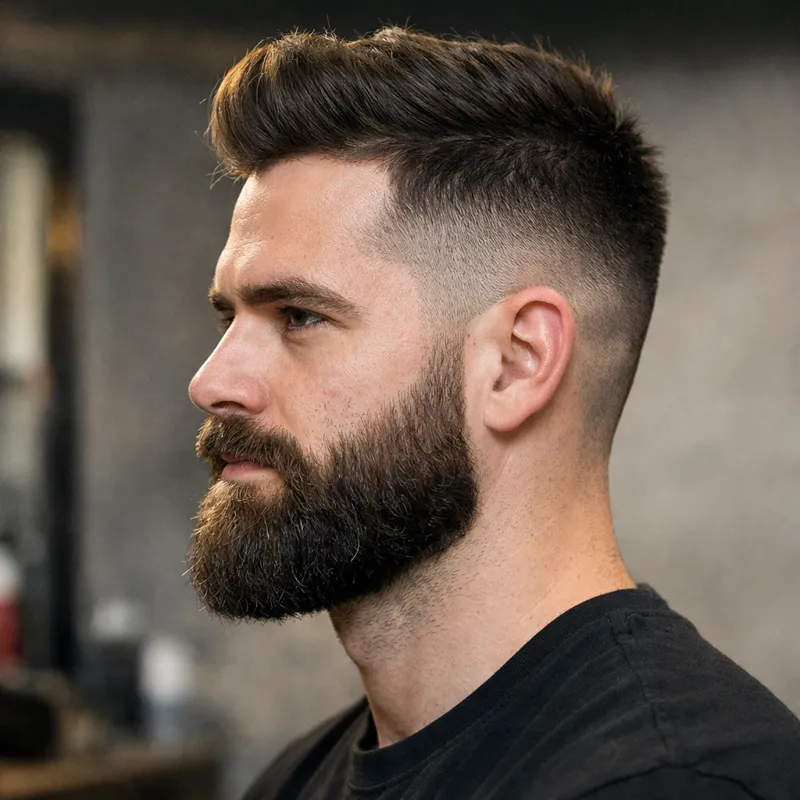
Quick pick: which BaByliss GoldFX trimmer should you choose?
“GoldFX” is used as a catch‑all name, but people are often comparing different versions without realizing it. Here’s the most practical way to choose—based on workflow, not hype.
GoldFX+ (FX787NG)
Best overall for most usersChoose this if you want a modern “set it and forget it” outlining trimmer: longer cordless sessions, more convenient charging, and fewer compromises. It’s the safest recommendation when you don’t want to overthink the purchase.
- Great if you edge up frequently (hairline + beard + neckline).
- Ideal if you value convenience (travel, quick charge habits).
- Strong pick for home users who want pro-style results with fewer headaches.
Classic GoldFX / Skeleton (FX787 family)
Best value if you find a legit dealThe version that made GoldFX famous: excellent visibility for shaping corners and creating crisp borders. If you already know you like the exposed T‑blade workflow, this still performs extremely well.
- Perfect for precise hairline corners and detailed lines.
- Common choice for barbers because it’s familiar and fast.
- Just be careful with “too cheap” listings—counterfeits exist.
FXONE GoldFX system
Best for battery swap workflowChoose FXONE if your priority is a modular routine: swap batteries and keep going. This is the “I want a system” pick rather than a single-tool pick.
- Great for frequent users who hate waiting on charging.
- Best when you already own (or plan to own) the FXONE ecosystem.
- Not necessary for most home users, but very convenient in heavy rotation.
GoldFX model comparison (what actually matters)
Ignore marketing noise and focus on what changes your outcome: blade visibility, charging + runtime workflow, and how confidently you can hold the trimmer without irritation. The table below is intentionally practical: it’s built around real edging scenarios.
| Model family | Best for | Why it’s different | Watch-outs |
|---|---|---|---|
| GoldFX+ (FX787NG) | Most users who want a modern, dependable outlining trimmer. | Strong “daily driver” workflow: convenient charging habits and longer sessions. Great if you edge beard + hairline + neckline in one routine. | Still requires technique. A sharper trimmer won’t save an overly aggressive hand. |
| Classic GoldFX / Skeleton (FX787 variants) | Users who prioritize visibility, control, and familiar outlining feel. | Exposed blade area makes it easier to see corners and detail lines, especially when you do your own shape‑ups in a mirror. | Verify seller legitimacy if buying online; keep blade alignment conservative at first. |
| FXONE GoldFX | High-rotation routines (or anyone building a swappable battery system). | Battery ecosystem: swap power and keep moving. Great when multiple tools share a consistent workflow. | Overkill if you only edge up once per week. Buy it for the system, not the name. |
Note: Model availability and included accessories can vary by region and kit. Always confirm the exact model code (FX787 family) before purchasing.
GoldFX Match Tool (no guesswork)
Answer a few quick questions and get a recommendation that matches your reality: your skin, your hair texture, and how often you actually use a trimmer. This tool avoids the common trap of buying “the most aggressive setup” and then regretting it.
Tip: If you’re unsure, start safer. You can always increase closeness later—but you can’t “undo” over-aggressive corners.
Blade guide: standard-tooth vs deep-tooth (and who should avoid aggressive setups)
Most people obsess over the trimmer body and ignore the blade. That’s backwards. The blade is what touches your skin, so it decides comfort, sharpness, and how forgiving your lineup will be.
Standard-tooth blade (safer default)
Standard-tooth blades are the best starting point for most men. They’re more forgiving on sensitive skin and still deliver crisp lines when you use correct pressure and angle.
- Best for: sensitive skin, beginners, everyday edging, beard lines.
- Feels like: smoother contact, less “grabby” behavior.
- Smart move: keep a standard blade as your “safe blade,” even if you experiment later.
Deep-tooth blade (faster, more bite)
Deep-tooth blades can feel faster on thick or coarse hair because the tooth spacing is more aggressive. The tradeoff is increased risk: irritation, nicks, and “overcutting” if your pressure is heavy.
- Best for: thick/coarse hair, low skin sensitivity, confident technique.
- Feels like: stronger bite, faster clearing on dense growth.
- Common mistake: pairing deep-tooth with extreme zero-gap and pressing hard.
Tip: If your skin is unpredictable, start standard-tooth and refine technique before upgrading aggression.
The barber lineup method (cleaner corners without pushing your hairline back)
A great lineup is not about cutting “closer.” It’s about controlling shape. The most common at‑home mistake is chasing perfection and slowly moving the line backward. Use this method to keep your shape natural while still getting that sharp finish.
The 3‑pass method
- Outline lightly: Tap in short strokes. Don’t drag long lines. Build the shape first, especially on corners.
- Step back and check symmetry: Look from arm’s length. Fix the overall shape before you touch details.
- Sharpen only where needed: One or two controlled passes. Stop early—extra passes are where overcutting happens.
Where GoldFX shines
GoldFX is an outlining trimmer, so you’ll get the best results when you use it for the tasks it’s designed for: clean borders and detail work.

Use clippers for bulk cutting and fading. Use GoldFX for crisp edges and detailing.
Zero-gap safely (sharper lines without turning your trimmer into a skin-biter)
Zero-gapping is popular because it can increase closeness. But closeness is only a win if your skin tolerates it. The smart goal is not “maximum zero-gap”—it’s the closest setup that still feels smooth and predictable.
Tip: If you’re unsure, keep a slight safety offset. A smooth, consistent edge-up always looks better than irritated skin.
A cautious zero-gap process (step-by-step)
If you decide to adjust the gap, use a conservative approach. The goal is a blade that cuts cleanly without scraping. Always test on a low-risk area first (like the neckline) before touching corners or cheek lines.
- Power off: Turn the trimmer off and unplug it if it’s connected to a cord.
- Loosen (don’t remove) screws: Slightly loosen the blade screws so the blade can shift.
- Set a conservative alignment: Keep the moving cutter just behind the fixed blade edge (do not let it protrude).
- Tighten evenly: Tighten screws with even pressure so alignment stays straight.
- Test before your face: Test on a safer area. If it bites, back the gap off immediately.
- Use light pressure: The sharper the setup, the lighter your touch must be.
Maintenance planner (keep your GoldFX cutting clean)
Performance drops usually happen for boring reasons: hair packed in the blade channel, dryness, or misalignment. Use this planner to generate a realistic routine based on how often you edge up—then save it in your browser.
Tip: Consistent cleaning reduces tugging, reduces heat, and reduces irritation—without needing a new trimmer.
Tools that make maintenance easier
A clean trimmer cuts smoother and stays sharper longer. If you want the biggest improvement per minute, build a 60–90 second post-use habit: brush out hair, wipe the blade, and apply a tiny amount of oil when needed.

Troubleshooting (fast fixes for common GoldFX problems)
When something feels “off,” don’t guess. Use a quick diagnostic approach. Most issues are caused by dirt, dryness, misalignment, or an overly aggressive gap—not a “bad trimmer.”
My GoldFX pulls hair or feels like it’s snagging
Start with the basics: brush out hair, wipe the blade, and apply a tiny amount of trimmer oil. If snagging persists, check alignment (a slightly crooked blade will tug) and back off aggressive zero-gap. If it still pulls after a full clean, a blade replacement is usually the fastest fix.
It bites or irritates my neck / beard line
This is almost always a combination of too much pressure + too aggressive gap + wrong blade for your skin. Switch to a standard-tooth blade, reduce pressure, use short taps, and avoid outlining over inflamed skin. If your skin is irritated today, outline tomorrow.
Lines look uneven or “wobbly”
Most uneven lines happen because you’re dragging long strokes. Use short taps and “connect the dots.” Also check your mirror setup and lighting—bad lighting makes you overcorrect. Final tip: do not sharpen corners last with heavy pressure; that’s how corners disappear.
The trimmer feels louder or vibrates more than before
Tighten blade screws evenly and ensure the blade sits flat. Vibration is often caused by uneven tension or hair trapped under the blade. After cleaning, run the trimmer for a few seconds to ensure everything moves smoothly.
Best pairing for barbershop-level results at home
If your goal is a clean, professional finish, GoldFX is usually the “middle step.” It shines when you pair it with the right tools in the right order.
The smart 3-tool routine
- Clippers: bulk cutting, fade work, overall shape.
- GoldFX trimmer: crisp borders (hairline, beard, neckline), detail work.
- Optional foil shaver: cleaner finishing on the neck (only after trimming).
Grooming setup visual
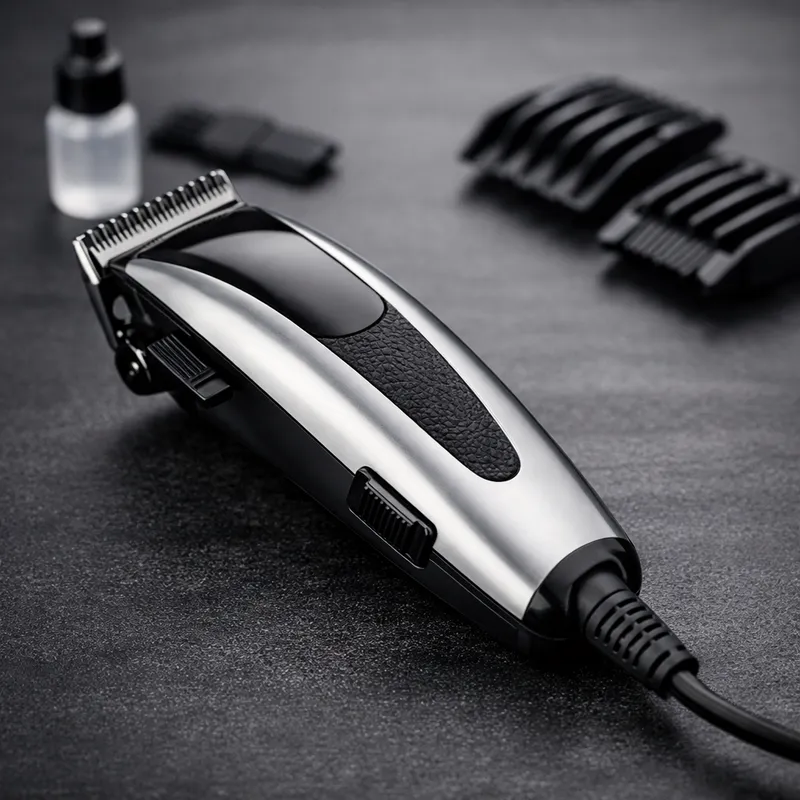
Keep your trimmer clean, aligned, and lightly oiled—those basics beat most “upgrade” purchases.
Avoid counterfeits (quick checklist)
Popular tools attract fake listings. A counterfeit isn’t just a waste of money—it can be unsafe (rough cutting, poor blade alignment, inconsistent performance).
- Be skeptical of prices far below the normal range.
- Prefer reputable sellers; keep receipts and order confirmations.
- If the trimmer “bites” aggressively even with conservative settings, stop using it and verify authenticity.
FAQs about the BaByliss GoldFX trimmer
These answers focus on what affects real results: comfort, sharpness, control, and avoiding common mistakes.
Is the BaByliss GoldFX trimmer good for beard edging?
Yes. GoldFX is an outlining trimmer, so it’s made for borders—cheek lines, mustache edges, and necklines. For the cleanest result, remove bulk with a guard-based beard trimmer first, then use GoldFX to sharpen the outline using short, light taps.
Should I zero-gap my GoldFX trimmer?
Only if your skin tolerates it and your technique is controlled. Zero-gap can increase closeness, but it also increases bite risk. If you’re new or sensitive, keep a conservative alignment and focus on pressure and angle first. You can gradually adjust later.
What blade is best for sensitive skin?
Start with a standard-tooth blade and avoid extreme zero-gap. Most irritation comes from a too-aggressive combination: deep-tooth + heavy pressure + repeated passes on the same area. Comfort first—sharpness follows with better technique.
Why do my corners look “pushed back” after I line up?
This happens when you keep “correcting” corners after the shape is already set. Use the 3‑pass method: outline lightly, step back to check symmetry, then sharpen only where needed. Corners disappear because of overworking, not because the trimmer is weak.
How often should I clean and oil my GoldFX?
Brush and wipe after every use. Oil lightly when the blade sounds dry, runs hotter than usual, or feels less smooth. If you use your trimmer several times per week, do a deeper clean weekly. Use the maintenance planner above to build a routine you’ll actually follow.
Is GoldFX a replacement for hair clippers?
No. GoldFX is an outlining tool. Clippers are for bulk cutting and fades. If you try to use a trimmer for clipper work, you’ll get slower results and more irritation. Pairing clippers + GoldFX is the clean finish strategy.
SEO note: This FAQ section is paired with FAQPage structured data (JSON‑LD) below, following best practices.
Want sharper edges with fewer mistakes?
The winning formula is simple: match the right GoldFX model to your routine, choose the right blade for your skin, keep the gap safe, and use light pressure. That’s how you get crisp lines that still look good tomorrow.
No forms included on this page (as requested). Use the buttons to route users to your existing conversion pages.